 TOF Operations Center
Your whole operation
Dispatch, flights, weight & balance, weather and risk, maintenance, training and safety in one app — and every person's own logbook alongside.
Built for- Air tour operators
- Part 135 charter & air taxi
- Flight schools & instructors
- Airports & FBOs
- Aerial work
- Part 91 flight departments
- Flying clubs
Scheduling
Your schedule, your rules
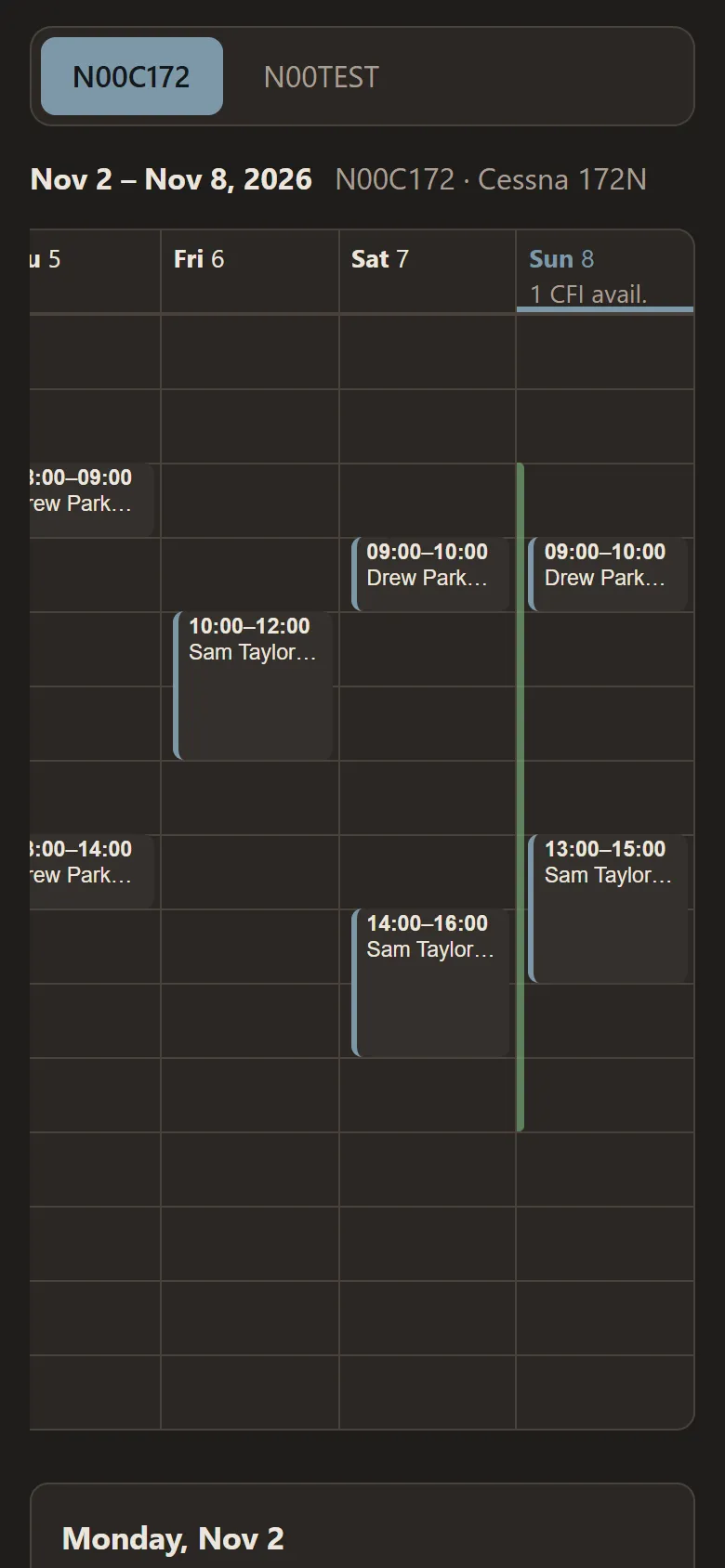
Lessons, rentals, ground school and maintenance on one calendar for each aircraft — and when it's time to fly, the booking becomes the flight.
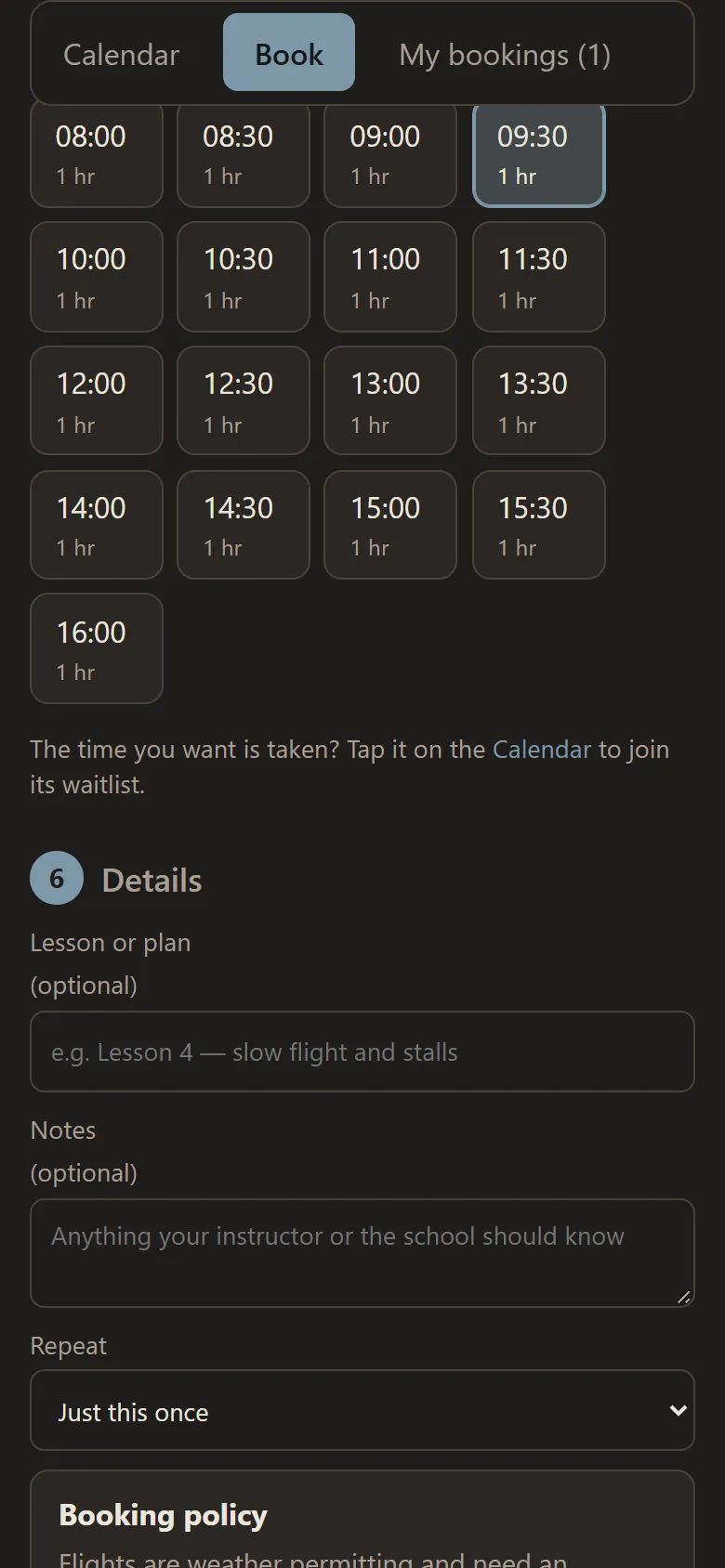
- Students and renters book for themselves — only open times and available instructors are offered
- Book the same lesson every week, up to twelve weeks — each week checked like any booking
- A reminder on their phone the day before and within the hour
- A waitlist for taken times — when one opens up, the first in line is told and has 30 minutes to book it
- Your rules: hours, how far ahead, minimum notice, time between flights, and approval for long or overnight bookings
- Maintenance blocked out over as many days as the work takes — nothing can be booked inside it
- Charges by the Hobbs: a rate for each aircraft, each person's balance and statement, payments and deposits
- Solo checks before a student books or flies, if you want them: medical, flight review, checkout, solo endorsement
- Changes and cancellations with a reason; late cancellations flagged, with a report for each person
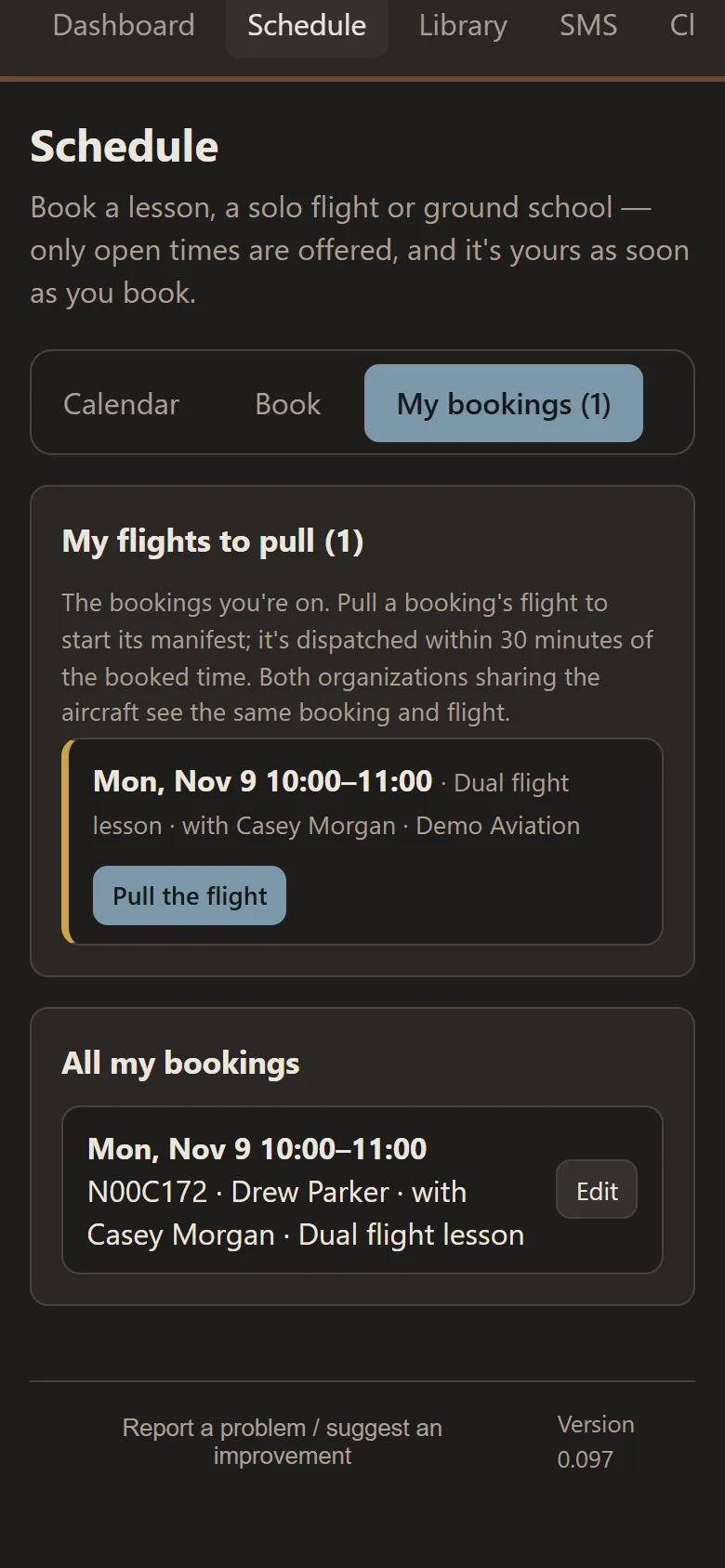
- Pull the booking and the flight's manifest fills itself in — aircraft, time, instructor and student
- Share an aircraft with another organization — they see only that the time is taken
Flight instructors
Your students, in one place
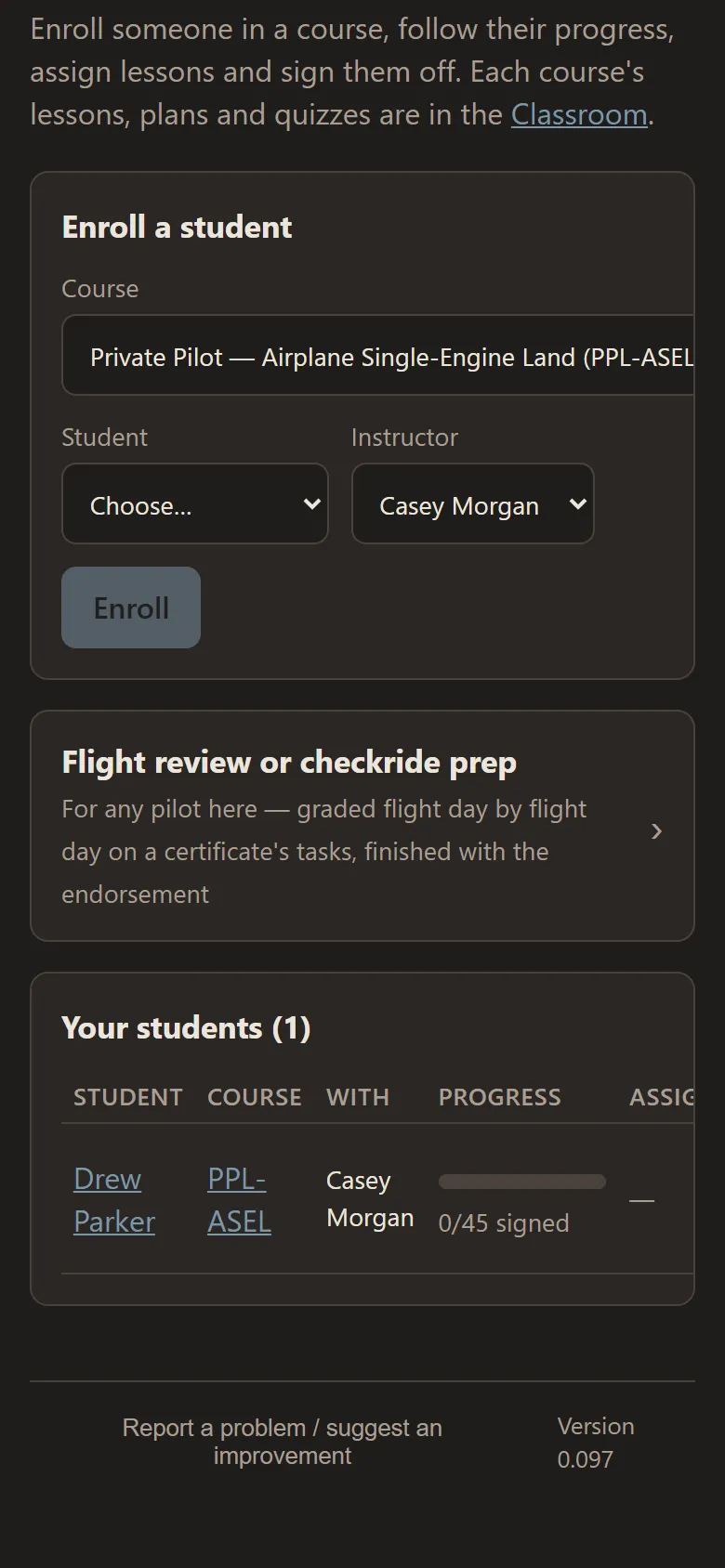
The Students tab gives every instructor their students' courses, progress and flight grades — and each student sees the same record.
- Enroll a student in a course — private, commercial or instructor, helicopter or airplane — with you as their instructor
- Each student's progress: lessons signed off, quizzes passed, and the lessons and homework you've assigned
- Classes expire after the period you set; extend, revoke or reactivate one, and nothing the student did is lost
- Grade every flight day task by task — satisfactory, needs training or unsatisfactory — with remarks and the next lesson
- After a dual lesson, the flight's last step takes you straight to grading it
- Flight reviews and checkride prep for any pilot, finished with the endorsement in their own logbook
- Sign your students' logbook entries — in person on their phone, or sent to you to sign
- Students see their progress in the Classroom, on their dashboard and in their own TOF Chronos
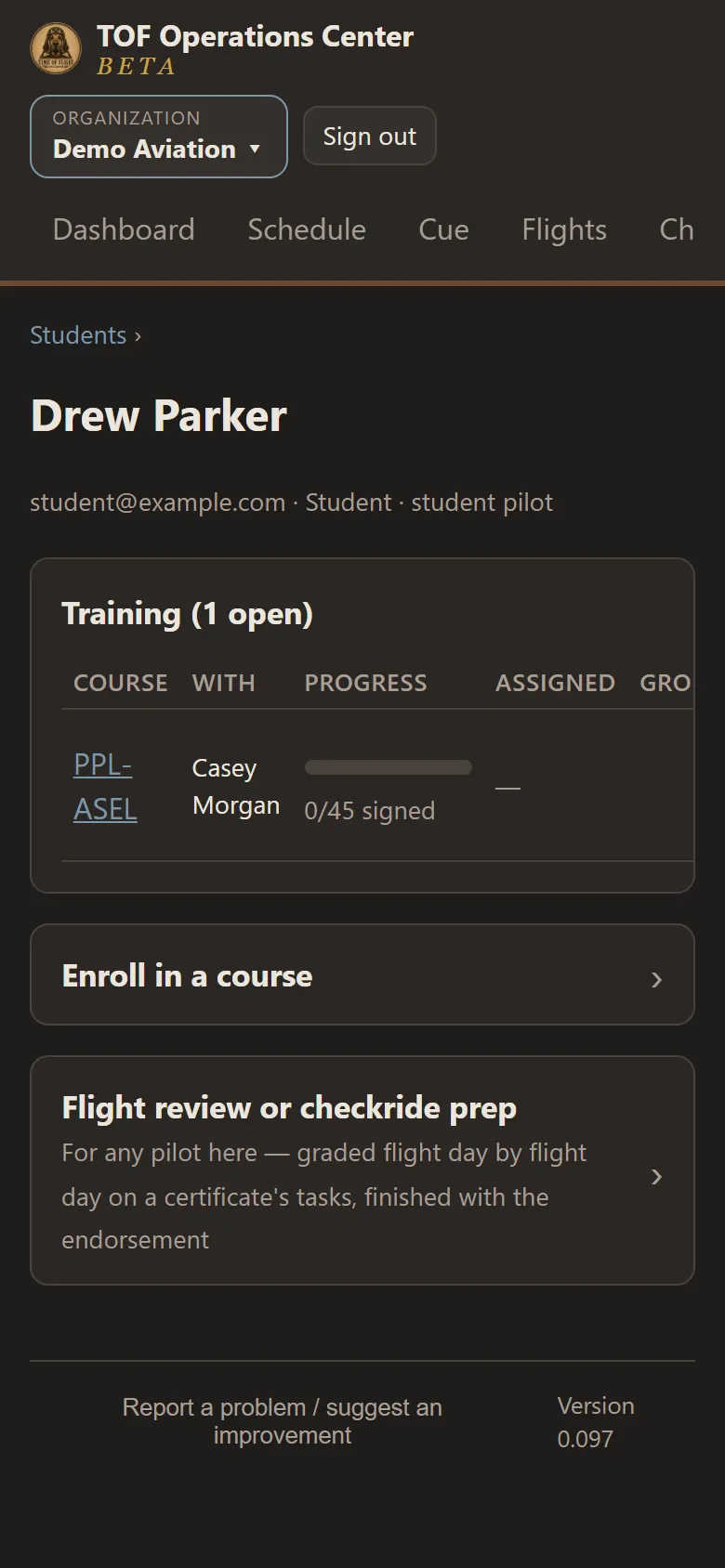
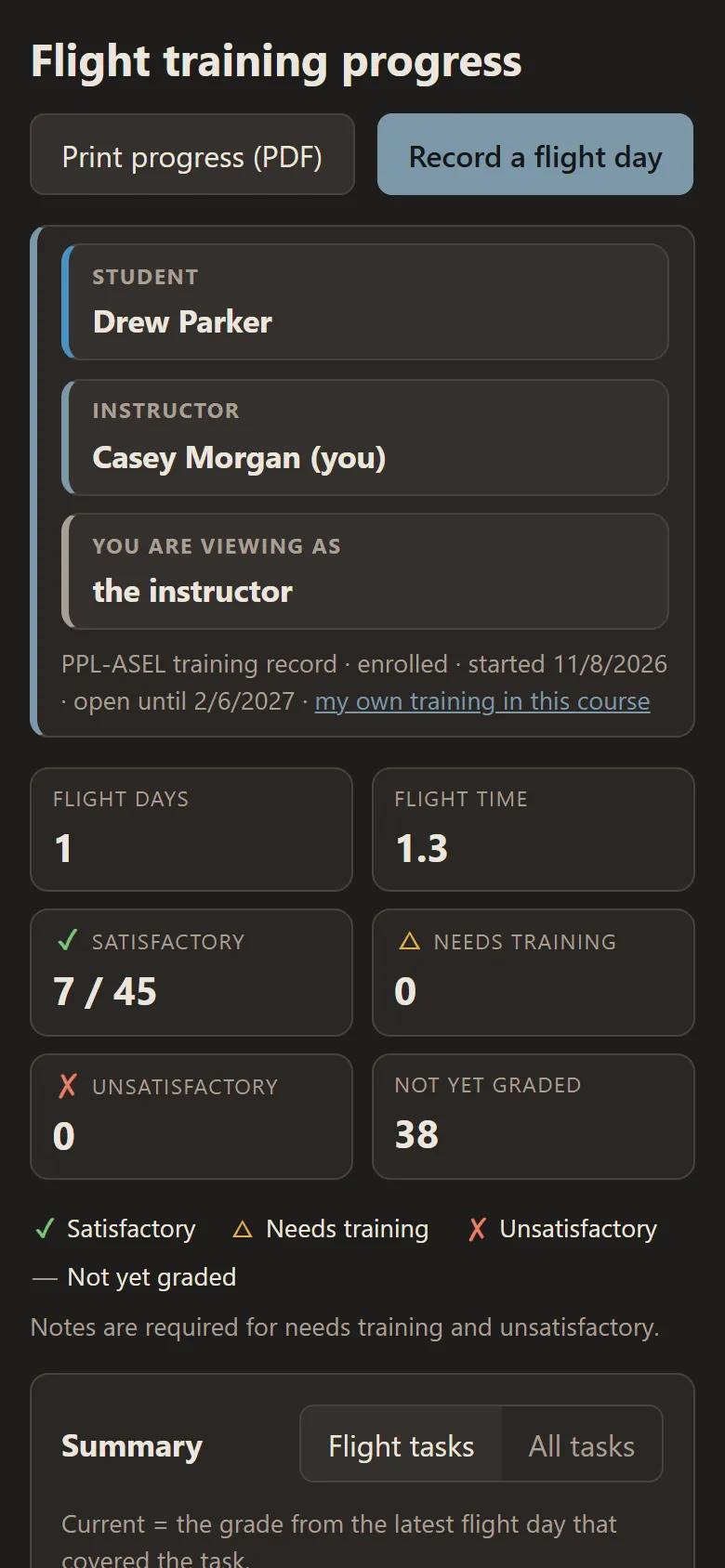
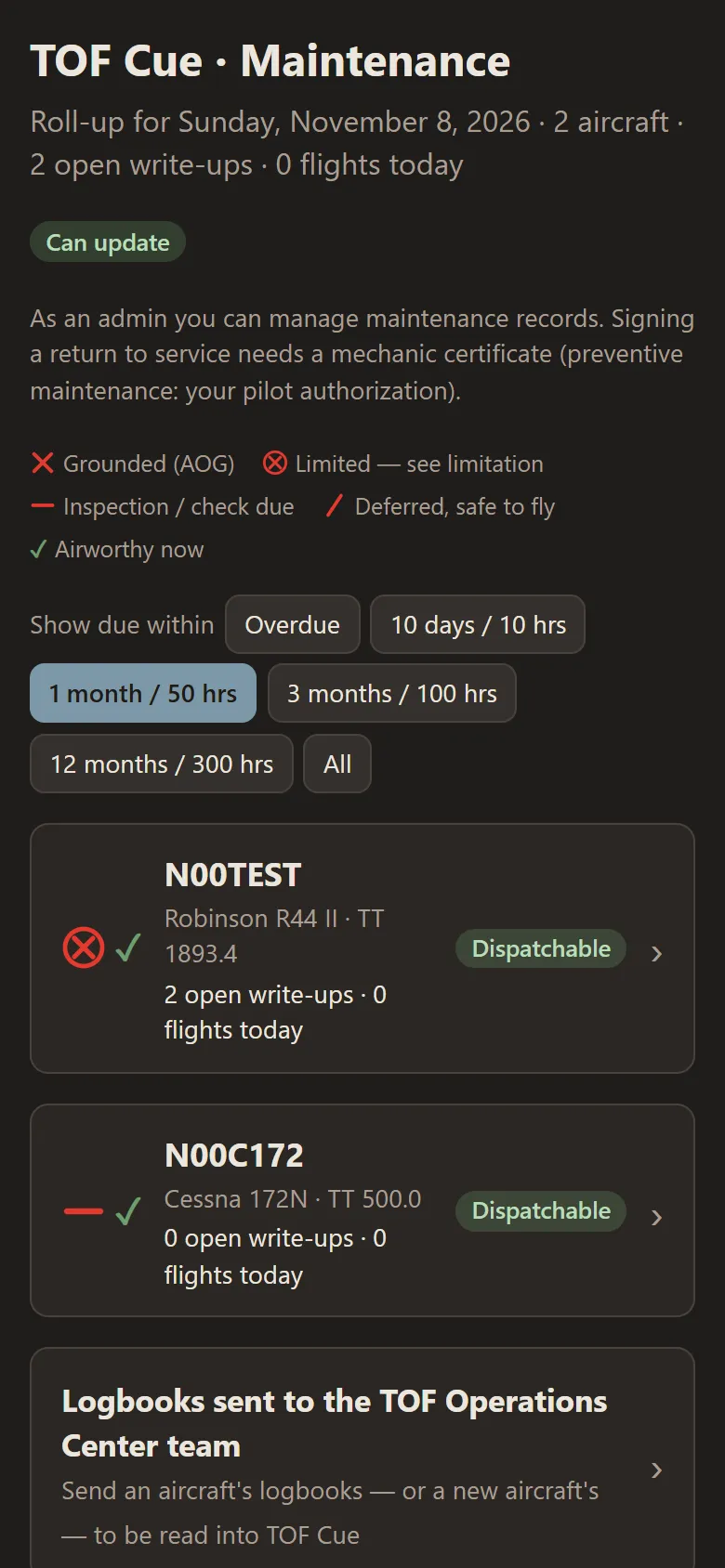
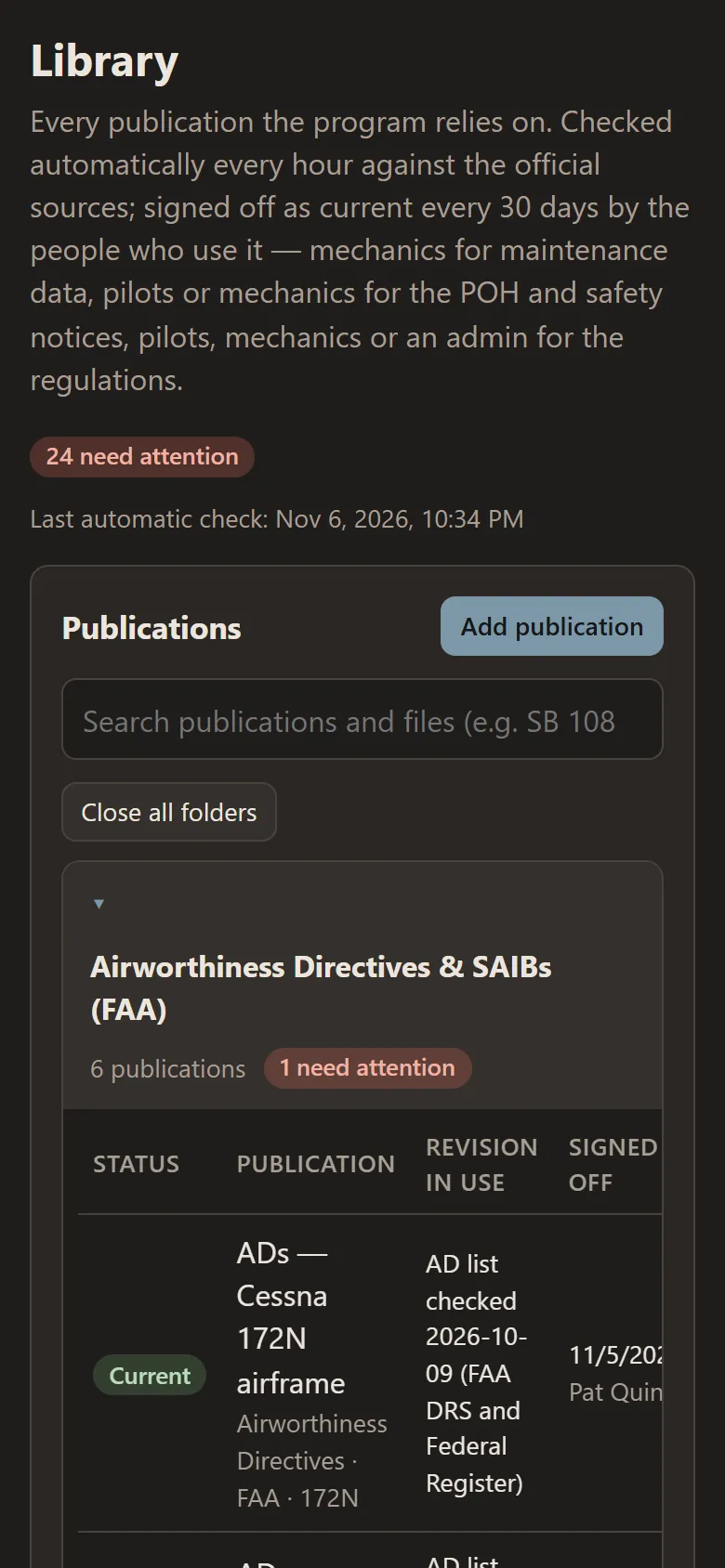
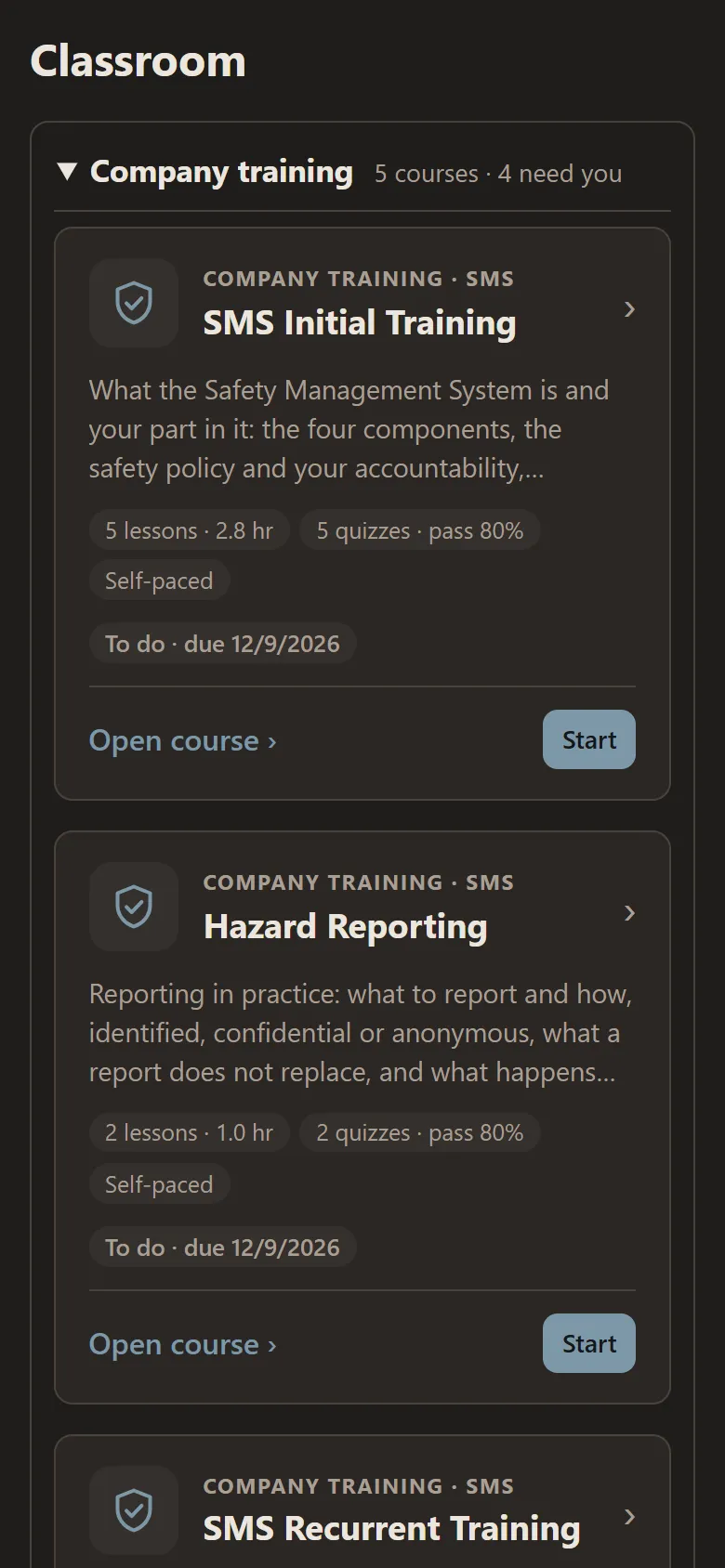
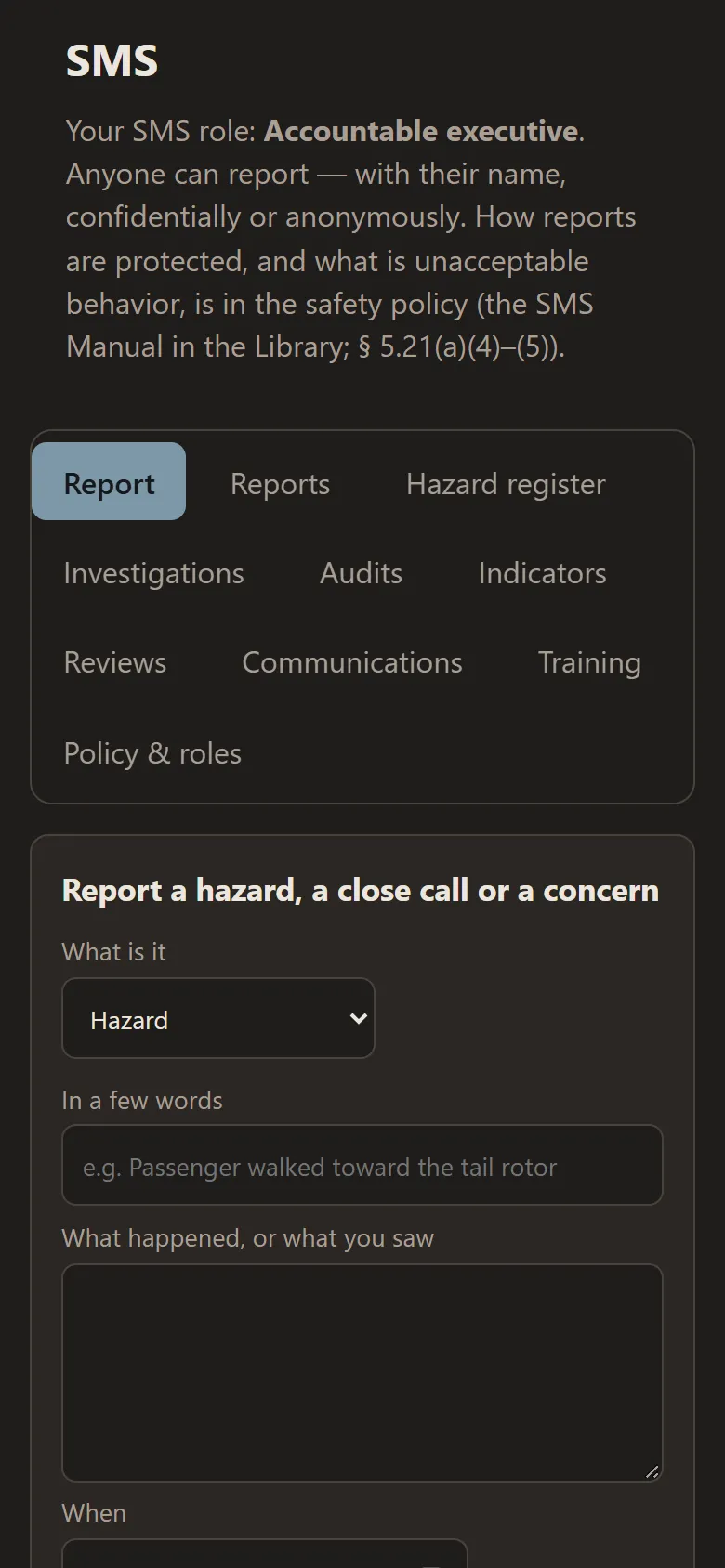
On a tablet or computer
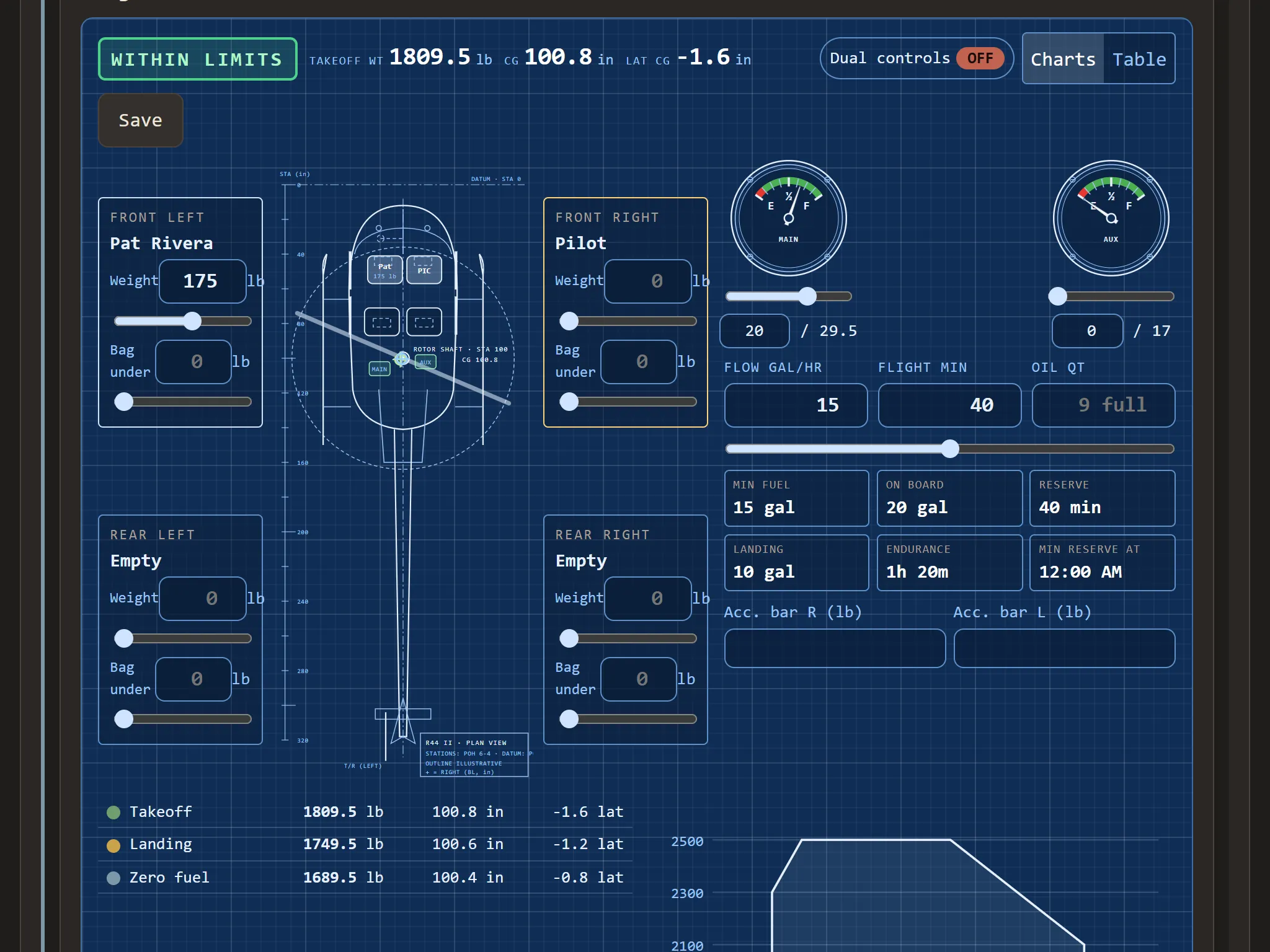
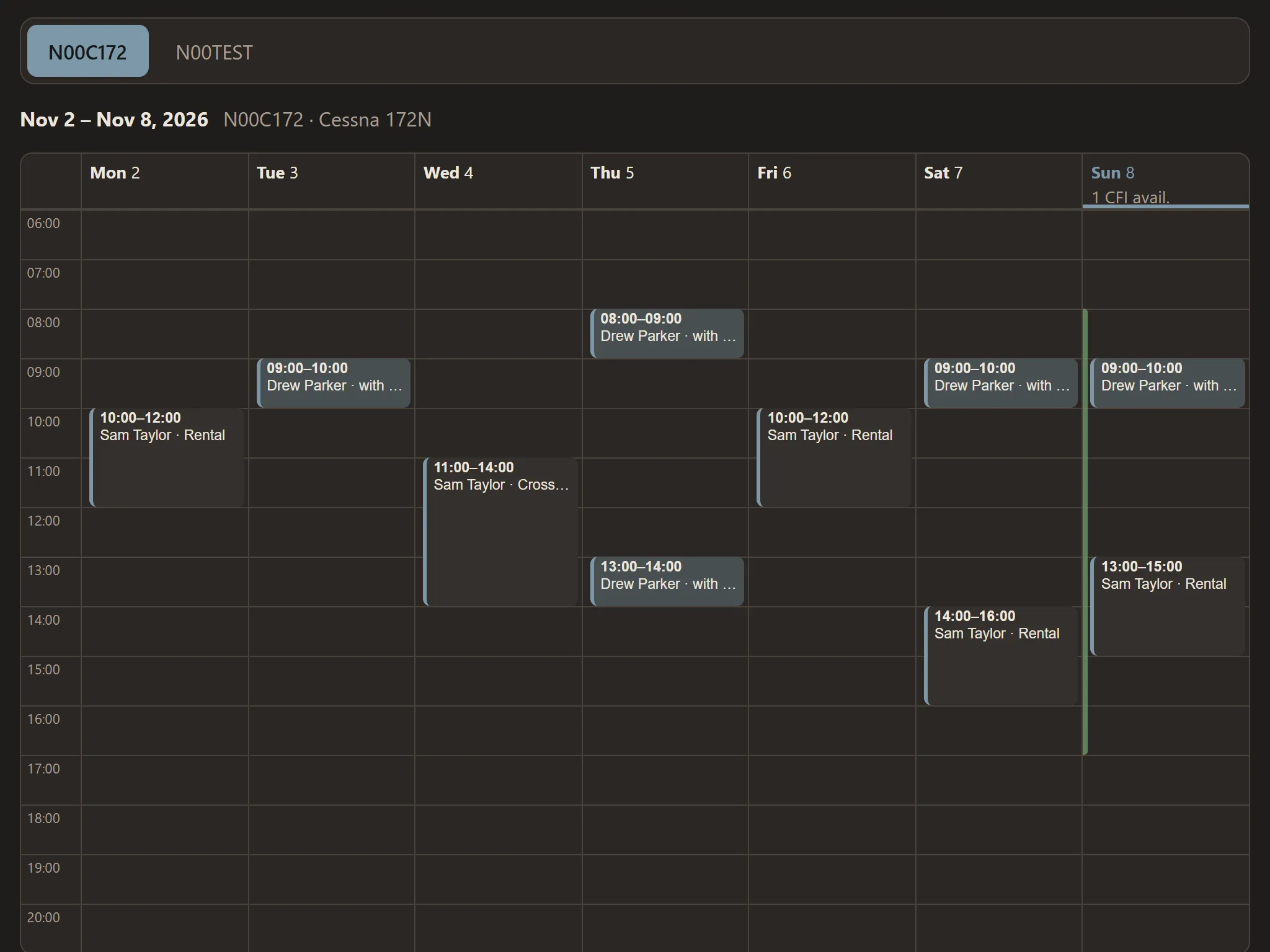
Screens from the app, with sample data — click one to see it large.
What's in it
Dispatch & flights
- Manifests with passengers and their weights, and weigh-in
- The pilot's checks before takeoff: weight & balance confirmed by the pilot in command, performance, fuel plan
- Flights with several legs, each with its own airports, people, fuel, weight & balance and performance, released as one trip
- The flight manual's checklist on the flight, read aloud and answered by voice or a tap
- Hobbs and tach, and the flight record kept with the flight
- Tour routes sent to ForeFlight
Weight & balance and weather
- Every seat and item loaded, the center of gravity drawn against the aircraft's envelope
- Performance and height-velocity from the flight manual's data
- A go / no-go manifold pressure for an out-of-ground-effect hover, from each helicopter's own recorded hovers (for reference)
- METARs, graphic forecasts, TFRs along your route
Operational control
- You decide who releases flights — dispatch, or pilots dispatch their own
- Nothing is released unless the aircraft is airworthy, weights are current, weight & balance is within limits and the company documents are read
- Risk assessment, briefing and approval by your operational control — required before release when you choose
- Weather re-checked every hour: if the risk goes up, the pilot, briefer and approver are alerted and the flight needs a new briefing and approval
- Recall a released flight, or the pilot sends it back — always with a reason; amendments signed, the original kept
- A live map of your fleet and the traffic around your aircraft
- Part 91 or Part 135 chosen for each flight, limited to what you hold
Notifications
- On each person's phone, only what applies to their job — and they choose which they get
- Flights released to them, briefing and approval requests, a risk that went up
- Bookings to approve, and bookings approved, declined, changed or cancelled
- New write-ups for maintenance, and each morning what's coming due
- Notices to your whole team or to certain jobs, until a date you pick
- Expiring medicals, flight reviews, currency and instructor certificates on each person's dashboard
Maintenance
- Inspections, ADs and service bulletins, parts and life limits
- Write-ups with status symbols — grounded, limited, inspection due, deferred under 91.213(d) or your MEL
- Task cards signed step by step; maintenance records locked once signed
Your team
- People, their jobs and what each one sees; certificates approved by an administrator before anyone signs
- Your organization's logo and colors
Add to your package
ScheduleAircraft and instructor booking, approvals, cancellations kept and counted
ClassroomCourses, lessons, quizzes and flashcards, training records signed by the instructor
Safety Management SystemSafety reports (anonymous if you choose), hazards and their risk, safety notices
Aircraft packages in TOF ChronosWeight & balance, performance and checklists in your people's own logbooks, by aircraft type. See what's in them →
How your people join
- Their own Chronos accountEach person — pilots, instructors, mechanics and crew — makes a free TOF Chronos account, or uses the one they have.
- Your link or join codeThey join your organization with the link or code you give them, and you approve them.
- Ready for their jobThey see what their job needs. Their logbook stays theirs — and goes with them if they leave.
Built around the records
- Signed maintenance records can't be changed afterward — a correction is a new, signed entry.
- The rules are checked by the database for every record, not just on the screen.
- Everyone's logbook, medical and certificates' pictures are private to them.
- Works in any browser — computer, tablet or phone.
The Operations Center is in early access
It's in use today with a few operators, schools and airports while we finish the beta. During the beta we set up each organization for you — your aircraft, your settings and your people. Want it for yours?