 TOF Operations Center
The pilot logbook
Log a flight in seconds, see your currency and your medical at a glance, keep your endorsements and your instructor's sign-offs — and with the full version, print a real logbook any time. Works in any browser — computer, tablet or phone.
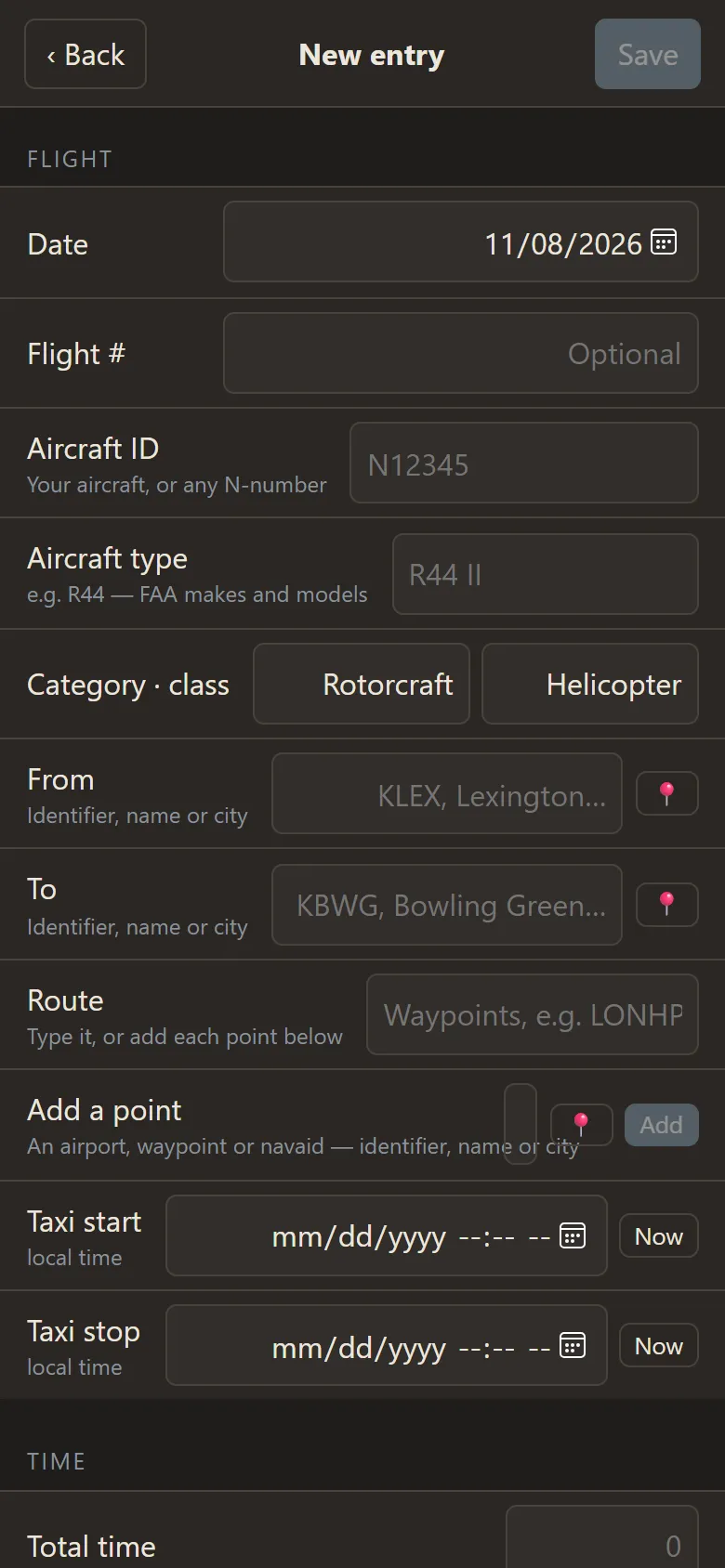
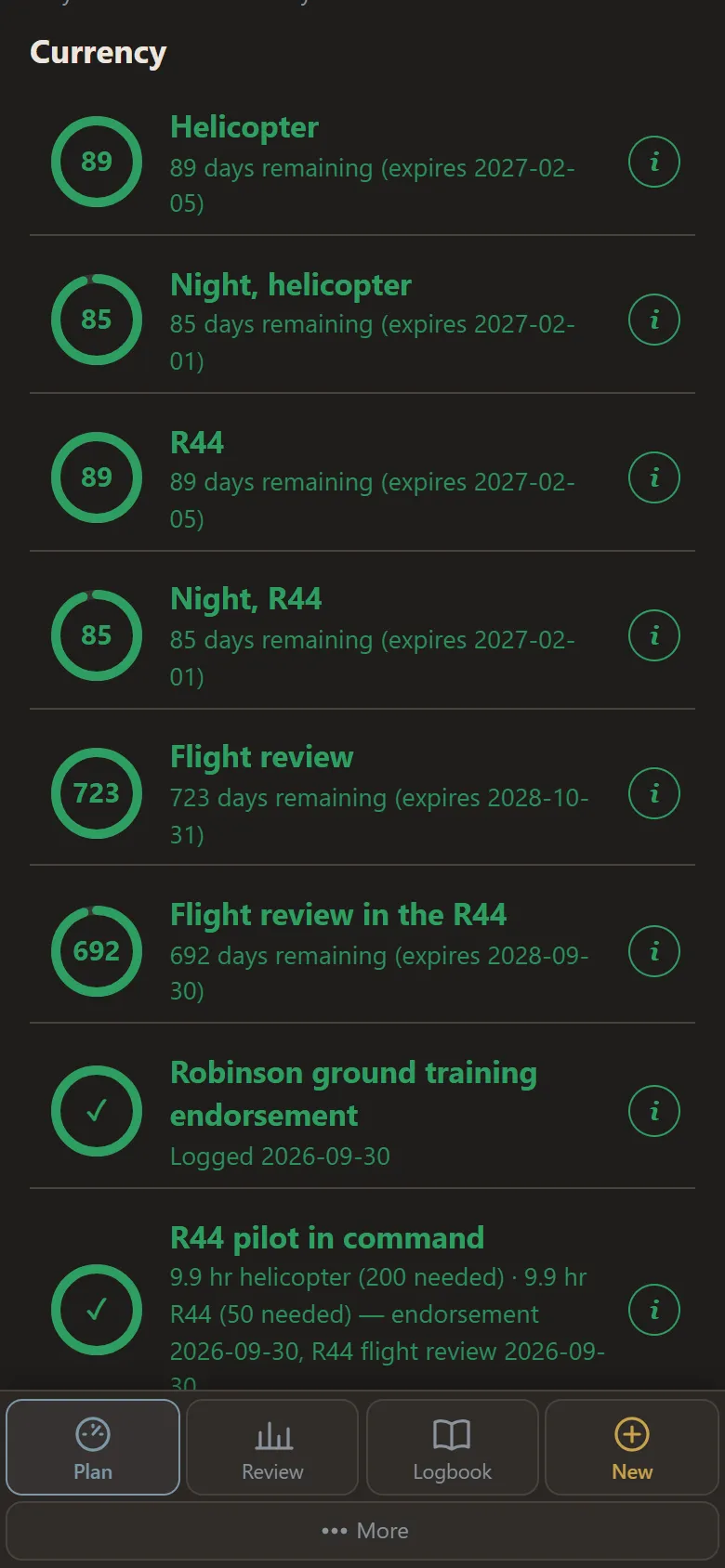

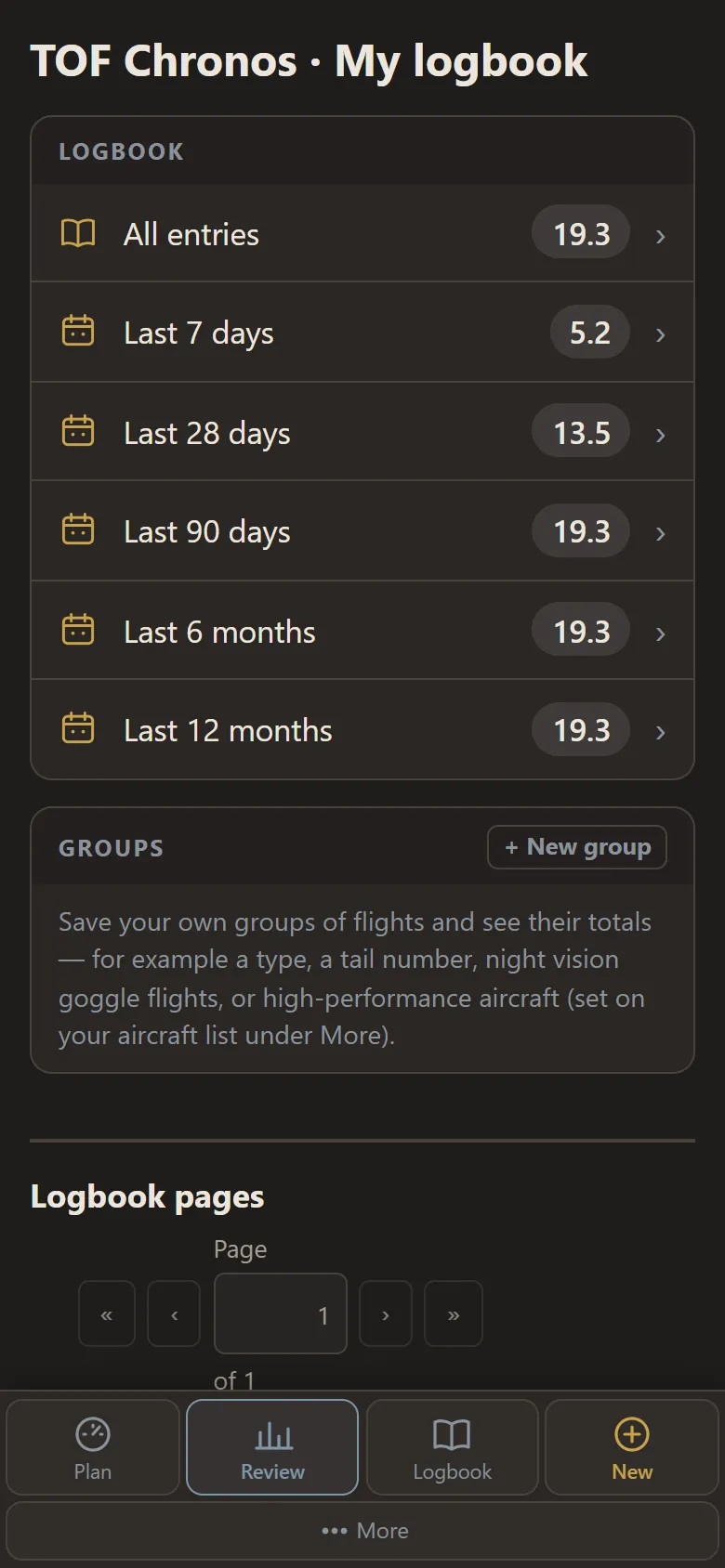
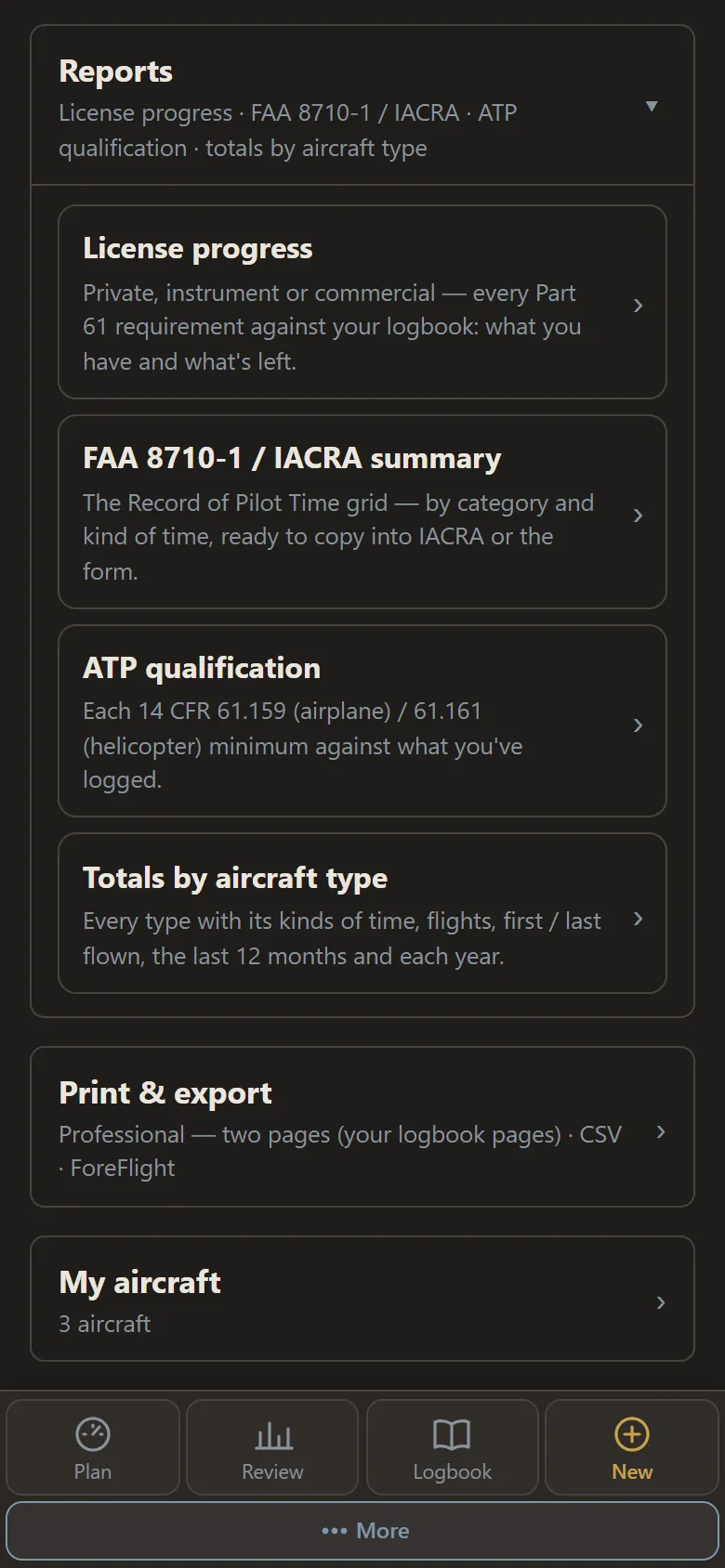
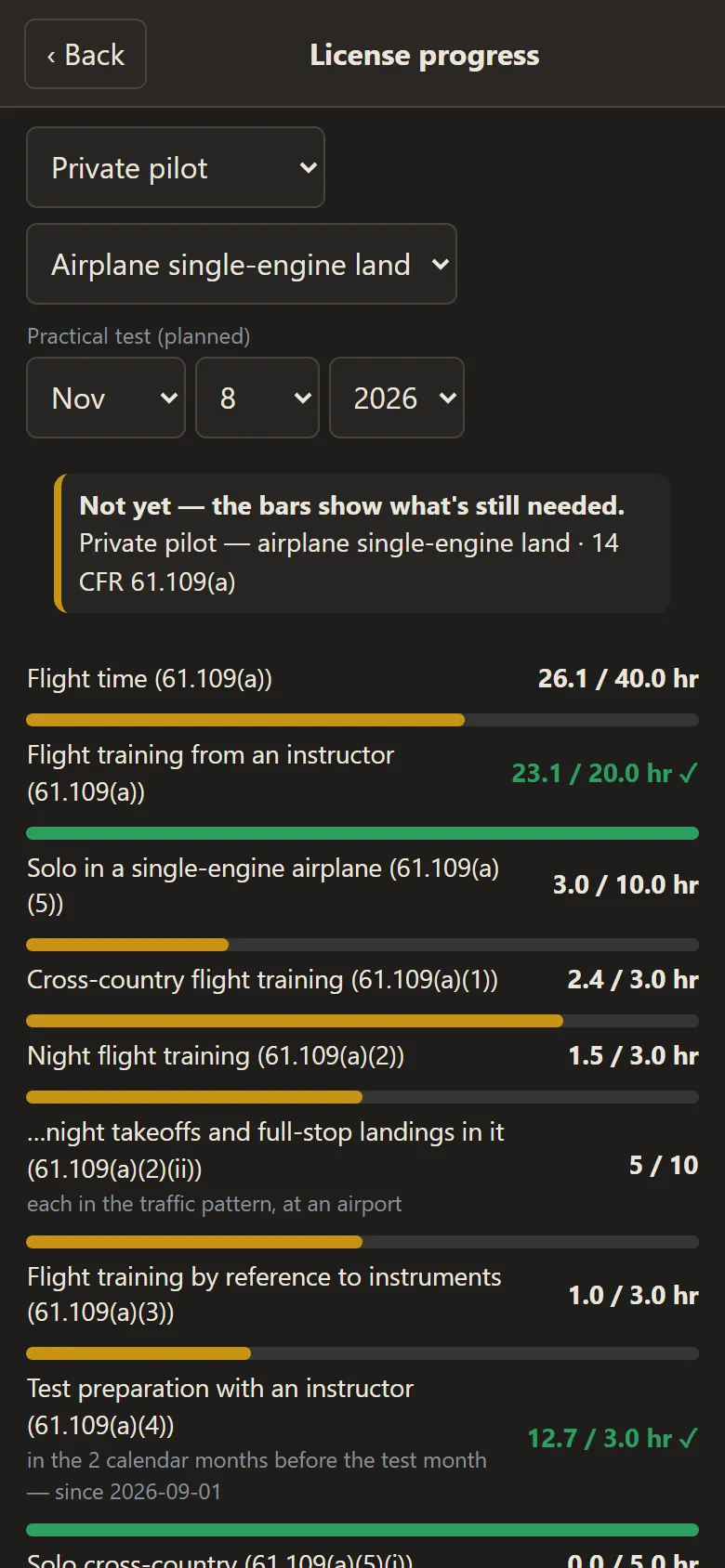
On a tablet or computer

Screens from the app, with sample data — click one to see it large.
Log it fast
- Quick entry, with airports, waypoints and published approaches from the FAA's data
- Bring your old logbook: import a spreadsheet or another app's export — or send us your paper logbook and we'll read it in
Stay current
- Currency at a glance: flight review, passenger and night currency, NVG, SFAR 73
- Part 135 and 121 recurrent checks, each on its own schedule — a competency or proficiency check counts as your flight review (14 CFR 61.56(d))
- Your medical's dates by class and age (14 CFR 61.23), with a reminder before it runs out
- Pictures of your pilot certificate and medical — only you can see them
Signed off
- Endorsements from the FAA's sample wording
- Instructor sign-offs on your entries — in person on your phone, or sent to your instructor to sign
- A check pilot can sign your Part 135 or 121 check in your logbook, in person on your phone
Yours to keep
- Your logbook goes with you from one job to the next — a school or company you fly with connects to it only with your OK
- Your progress toward a private, instrument or commercial certificate: every Part 61 requirement, what's done and what's left
- Totals by aircraft, the ATP check, and a check of your logbook for mistakes
- A spreadsheet of your entries — any time
- Full version: printed logbook pages and reports, the 8710 / IACRA report and the ForeFlight export
How free works
Your logbook is free while it's under 100 hours — counting the hours you bring in from your old logbook. Your first 30 days, log as much as you like. After that, at 100 hours your logbook is read-only until you move to the full version (pricing to come) — you can still view it and export a spreadsheet. Printing your logbook, the 8710 / IACRA report and the ForeFlight export come with the full version. Aircraft packages are a separate add-on.
Plan the flight where you log it
Weight & balance, performance and the checklist for the aircraft you fly, from its own flight manual, in three tabs beside your logbook. When you're ready, log the flight with all of it attached.
Packages- Robinson R44 II
- Robinson R44
- Robinson R44 Cadet
- Robinson R22 Beta II
- Cessna 172N
- Airbus EC 135 P2+
- Any other aircraft, from its own flight manual
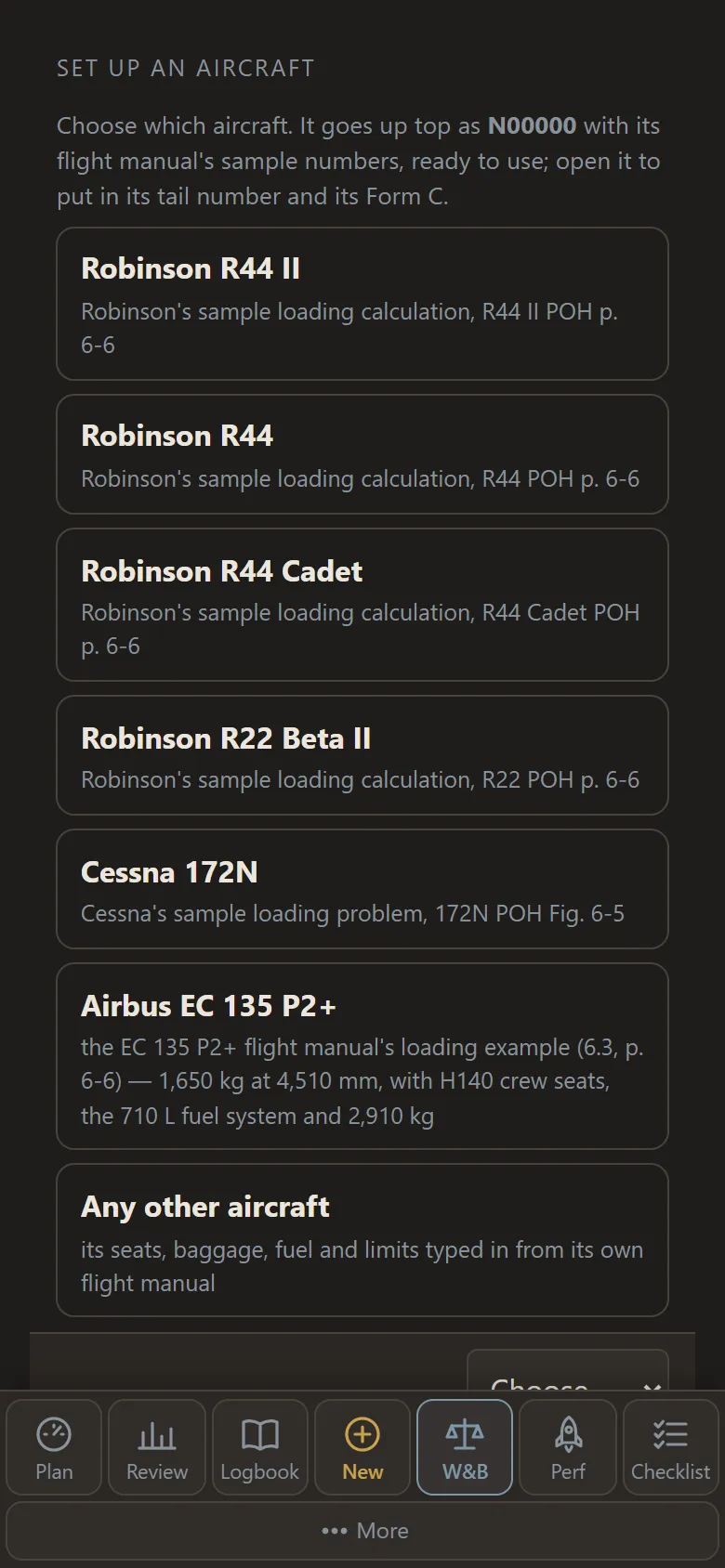
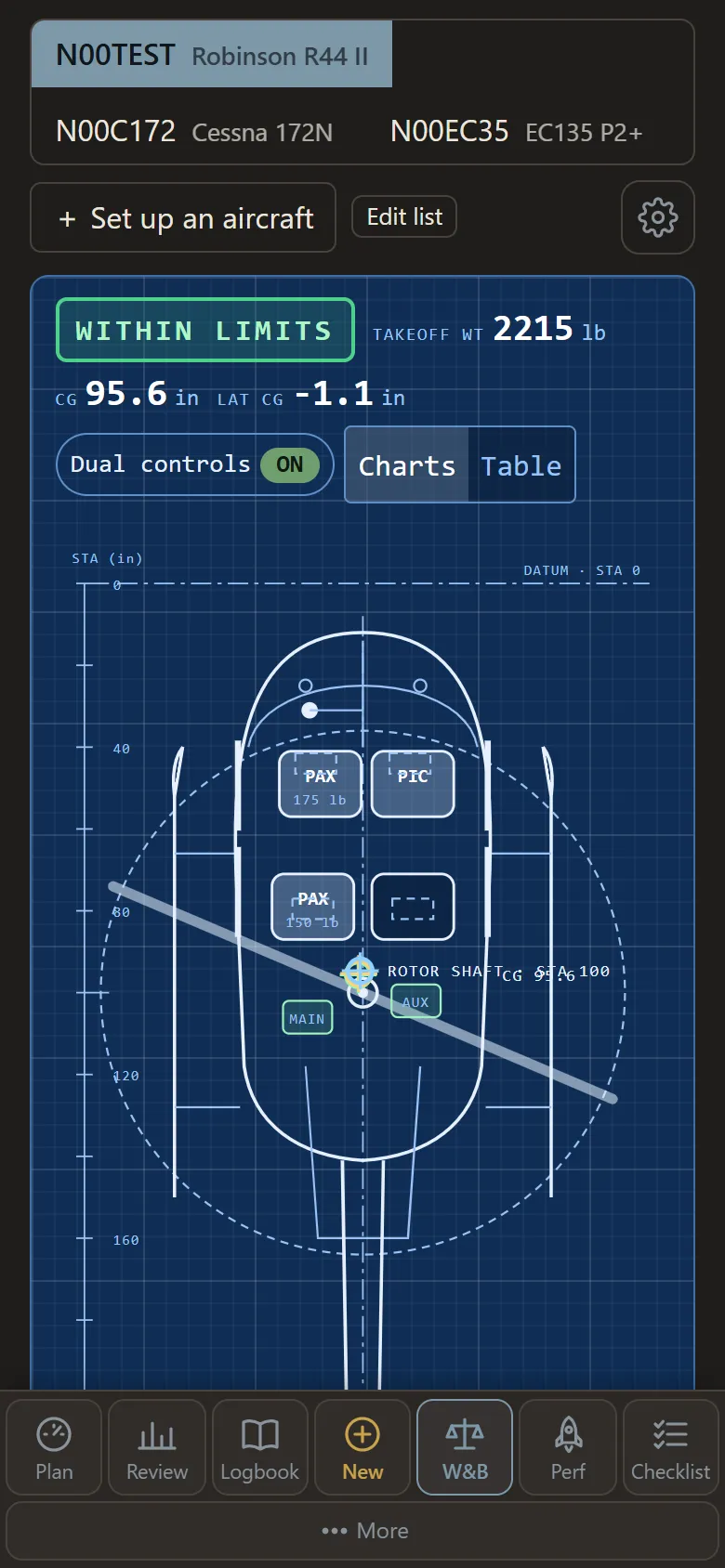
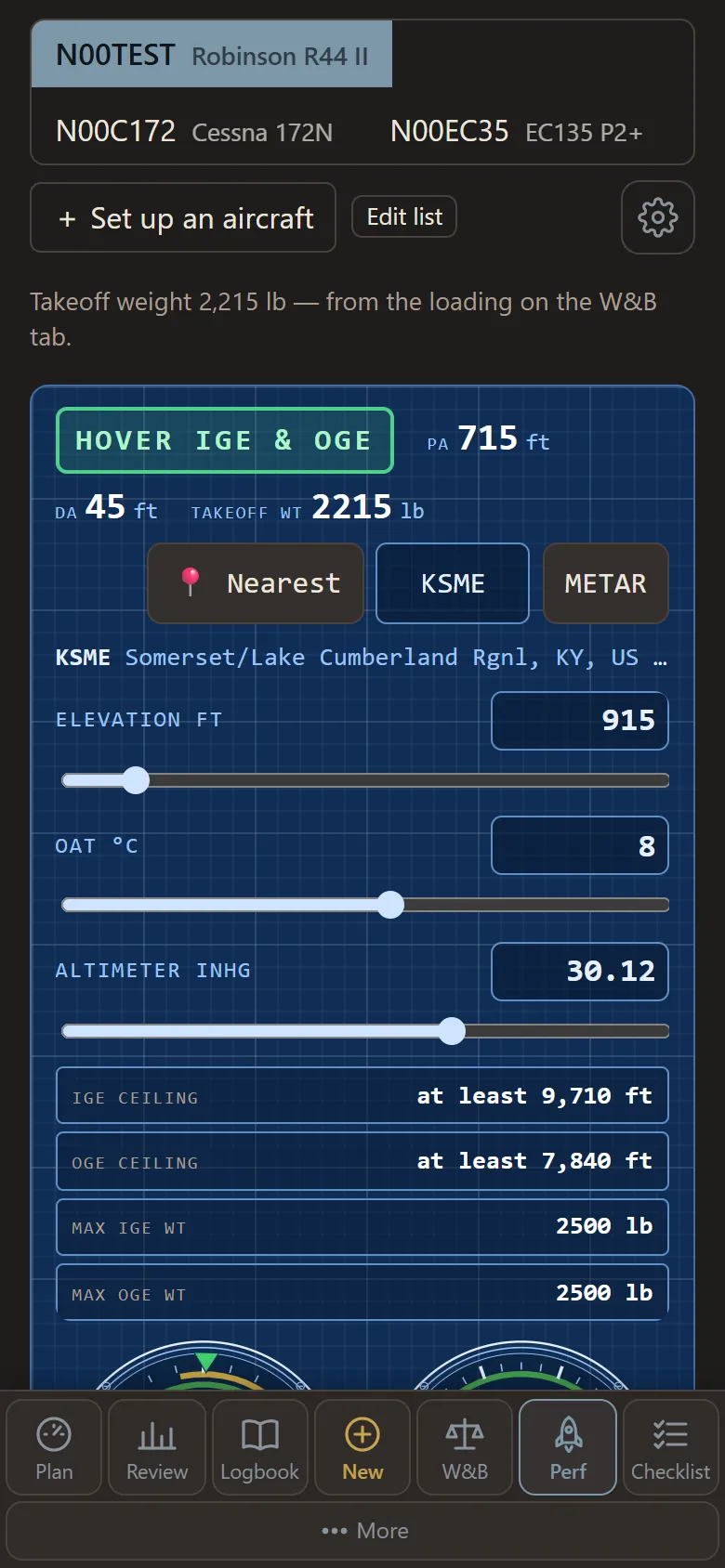
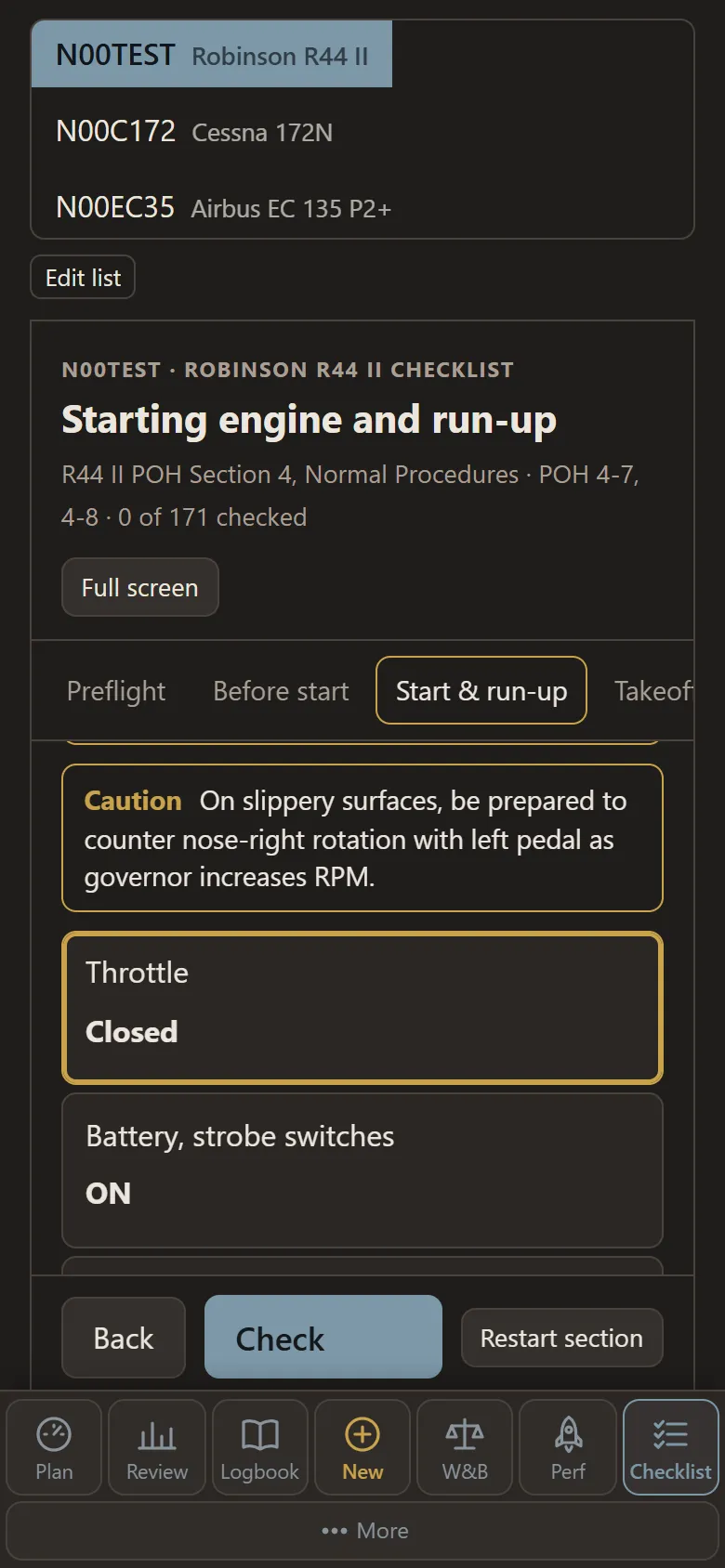
On a tablet or computer


Screens from the app, with sample aircraft — click one to see it large.
Weight & balance
- Seats, bags and fuel on a drawing of the aircraft, with takeoff, landing and zero-fuel CG against its envelope
- Stations and limits from the flight manual, with the source cited; the empty weight and CG from your aircraft's own weight & balance record
- Pounds and inches or kilograms and millimeters, line by line, so a new weighing goes in the way it came
- A fuel plan from your fuel flow and flight time: minimum fuel, reserve and endurance
Performance
- The nearest METAR, or type the conditions: pressure and density altitude
- Robinson helicopters: hover ceilings and the heaviest hover weights from the POH's charts, manifold pressure limits and today's Vne
- A go / no-go manifold pressure for an out-of-ground-effect hover, from hovers you record in that aircraft (for reference)
- Cessna 172N: takeoff and landing distances for the runway and the wind
- Airbus EC 135 P2+: the heaviest takeoff, landing and hover masses, a predicted go / no-go torque and FLI, and gauges marked the way its flight manual marks them
Checklists
- The flight manual's normal procedures, by phase of flight
- Reads each challenge aloud; answer with the response or "check", by voice or a tap
- Full screen in the cockpit, and it keeps your place until you reset it
- Add your company's checklist, or write your own for any aircraft
Your aircraft
- Starts on its flight manual's sample numbers; add your tail number and your aircraft's record when you're ready
- Any other aircraft: its seats, baggage, fuel and limits typed in from its own flight manual, and a checklist you write
- Choose which aircraft show on the planning tabs
- Share an aircraft with another pilot who has that package; they accept it first
- Copy your organization's setup for an aircraft; if they change it, you're told and can match it
- Your plan stays until you reset it; weather over an hour old has to be refreshed
Want a package for your aircraft?
Packages are an add-on, sold by aircraft type, with pricing to come. Tell us what you fly, or try them first in the demo with a sample R44 II and Cessna 172N.
Planning tools: your aircraft's flight manual and the pilot in command have the final say. Robinson, Cessna and Airbus are named only to identify the aircraft; TOF Operations Center isn't affiliated with them.
Flying with an organization?
Everyone in an organization on TOF Operations Center — pilots, instructors, mechanics and crew — comes in through their own Chronos account. Make yours, then join with the link or code your school or company gives you; they approve you. Your logbook stays yours if you leave.
Jobs
- A job board for pilots and mechanics — always free for them
- A résumé from templates, with your hours filled in from your logbook; you choose what's public
- Apply in a tap; employers post their jobs and see who applied